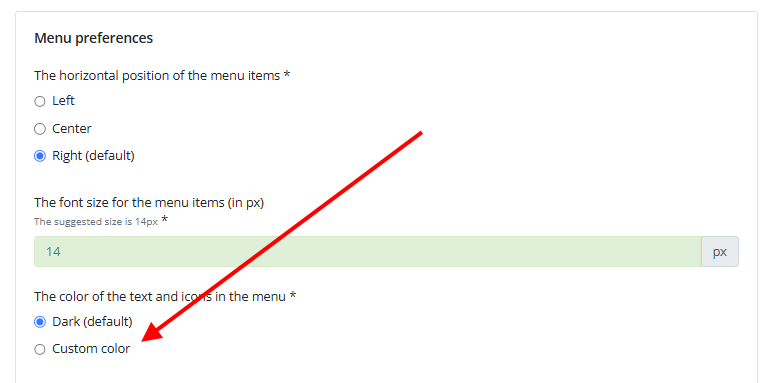
How to update the text and icon color in the menu?
You can update the text and icon color in the menu from the "Logo + menu + color theme, font" section of your site editor, by clicking on "Edit logo and menu preferences". You can then select the color of the text and icons in the menu at your convenience.